
Over-the-air (OTA) updates
Improvements that reach an installed program by themselves, over the internet, without anyone downloading files or reinstalling anything.
What are OTA updates, and how does a program update itself without reinstalling?
OTA stands for "over the air." It is the same idea your phone uses when it downloads a new app version while you sleep: the program checks whether a newer version exists, downloads it, and installs it at the moment it gets in the way least.
On a desktop program, that avoids the whole routine of emailing a file, asking someone to install it, and finding out a week later that one computer is still running the old version. A good update system downloads only the parts that changed, so the update itself stays small.
Why it matters to your business
If your business runs on software installed across several machines, every fix needs to reach all of them without depending on someone remembering to do it. With automatic updates, a bug reported today can be fixed on every computer within days, and nobody has to call support or fight with installers.
How we use this at Damorus
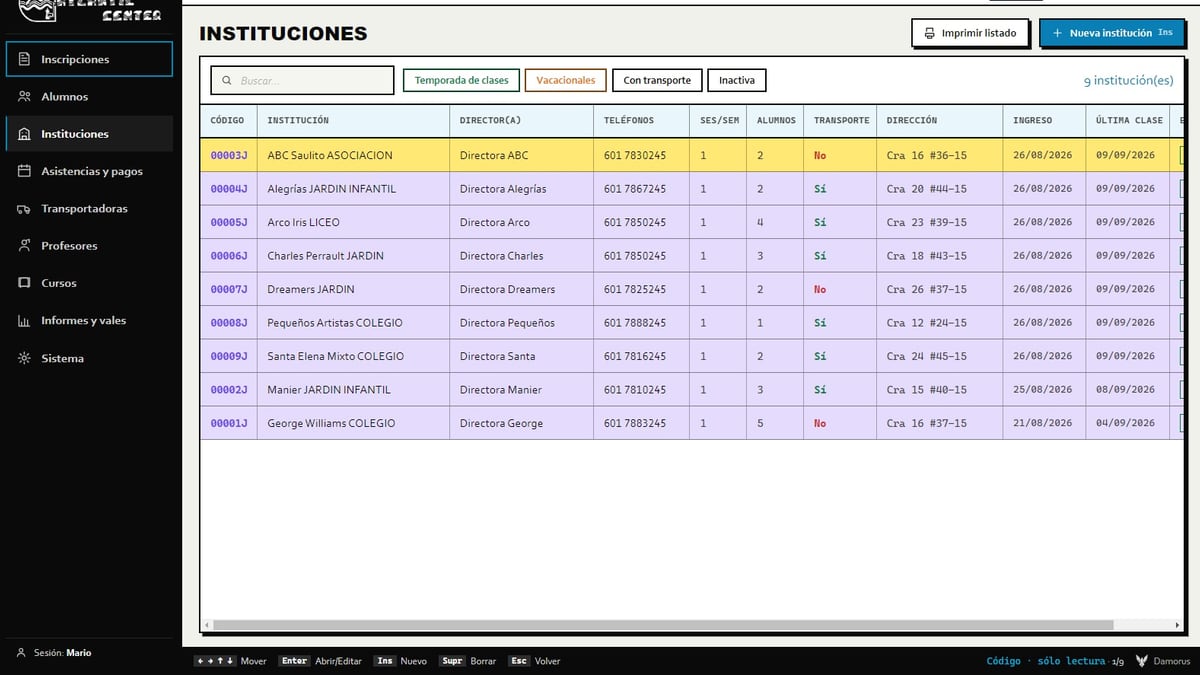
Atlantic Center's program ships with Electron and updates itself with electron-updater: on launch it checks for a new version, downloads only the differences, and installs them on the next restart, with a green dot as the signal. That is how the school's computers moved from version 1.6 up to 1.9.0. There was one hiccup too: the client installed the program inside their iCloud folder, iCloud sync collided with the updater, and we rebuilt the installer so it asks where to install.
Need this on your project?
I want my free mockup →